Merchant operates its own MCP / UCP
Use this model when the merchant develops and operates the MCPMCPModel Context Protocol: a standard way for AI agents to call tools and data sources exposed by a server./UCP service that agents call.
Ownership model
The merchant normally owns all of the following:
- AIGW AccountAccountThe top-level AIGW tenant. It owns Projects, team membership, enabled identity providers, billing, and API keys.;
- AIGW ProjectProjectThe isolation boundary for an integration. It holds Resources, agents and agent policy, end users, and Proxy clients.;
- Token exchange ResourceToken exchange ResourceA Resource for agent access: AIGW authorizes the user and obtains a token from the merchant's own authorization server. representing the merchant API;
- Proxy clientProxy clientThe server-side credential (client ID and secret) the MCP/UCP service uses to authenticate itself to AIGW. Never give it to an agent./server credential used by the MCP/UCP server;
- Merchant authorization server configuration;
- MCP/UCP runtime;
- Merchant backend.
Because the same organization owns both sides, there is no cross-company credential handoff. You can complete the AIGW and IAM steps as one implementation project.
Recommended implementation order
- Create the AIGW Account and Project.
- Register a Token exchange ResourceResourceThe downstream system registered in a Project. Its kind (Token exchange or OAuth client) decides the role AIGW plays. for the merchant API.
- Configure the merchant authorization server to trust the AIGW Resource issuer/JWKS and client.
- Create the project's Proxy client for the MCP/UCP server.
- Publish protected-resource metadata from the MCP/UCP service.
- Implement the OAuth challenge behavior.
- Accept the AIGW bearer token from the agent.
- Redeem it server-side for the merchant access tokenMerchant access tokenA token issued by the merchant's own authorization server. Only the MCP/UCP service sees it, never the agent..
- Call the merchant backend.
- Test the full flow using a real user and an approved agent.
Start with MCP / UCP Quickstart, then use the IAM-specific guide under Configure your authorization server.
Team access
The AIGW Account supports Owner, Admin, Developer, and Viewer roles. A Project supports Admin, Developer, and Viewer roles, and project members must already exist as account members.
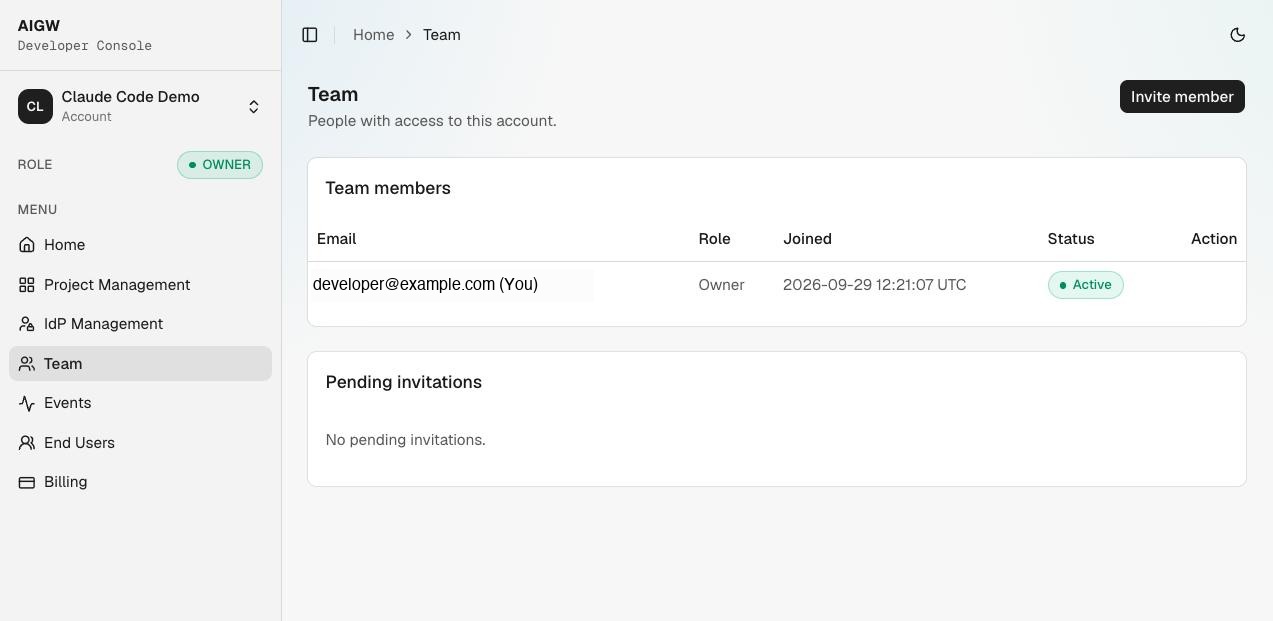
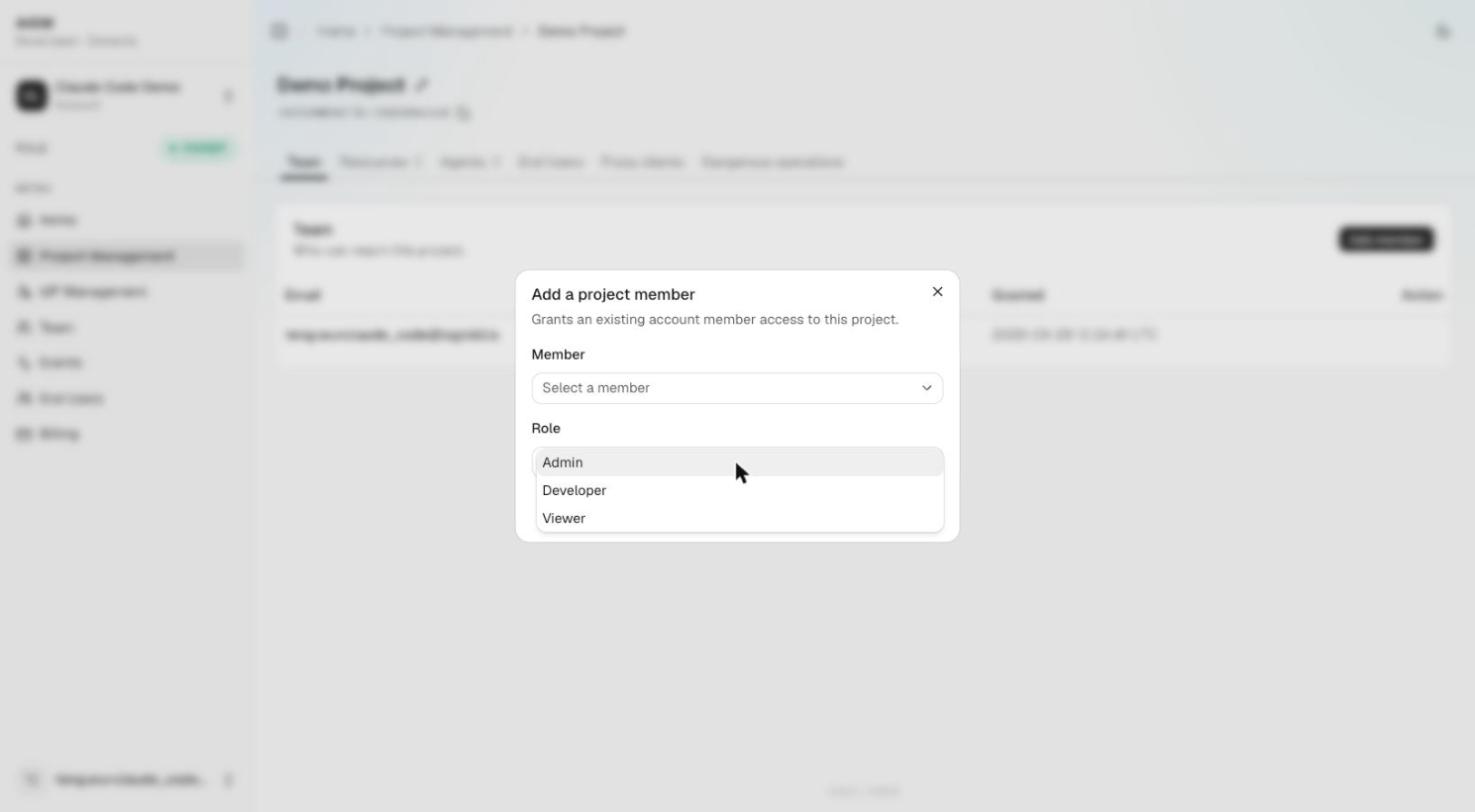
A practical split is to give the platform/IAM team project access for Resource configuration while the MCP/UCP team owns the server runtime and secret storage.
Production separation
Even in a self-operated model, keep runtime secrets separate from human console access. The Proxy client secret should live in server-side secret storage, not in frontend configuration or developer browsers. IAM signing/trust configuration should be controlled by the team responsible for the merchant authorization server.