Accounts
An AccountAccountThe top-level AIGW tenant. It owns Projects, team membership, enabled identity providers, billing, and API keys. is the top-level AIGW tenant. It holds ProjectsProjectThe isolation boundary for an integration. It holds Resources, agents and agent policy, end users, and Proxy clients. and account-level configuration such as identity providers, team membership, events, end usersEnd userA person an agent has acted on behalf of at a Project's Resources, as listed in the AIGW Console., billing, and API keys.
Create an Account
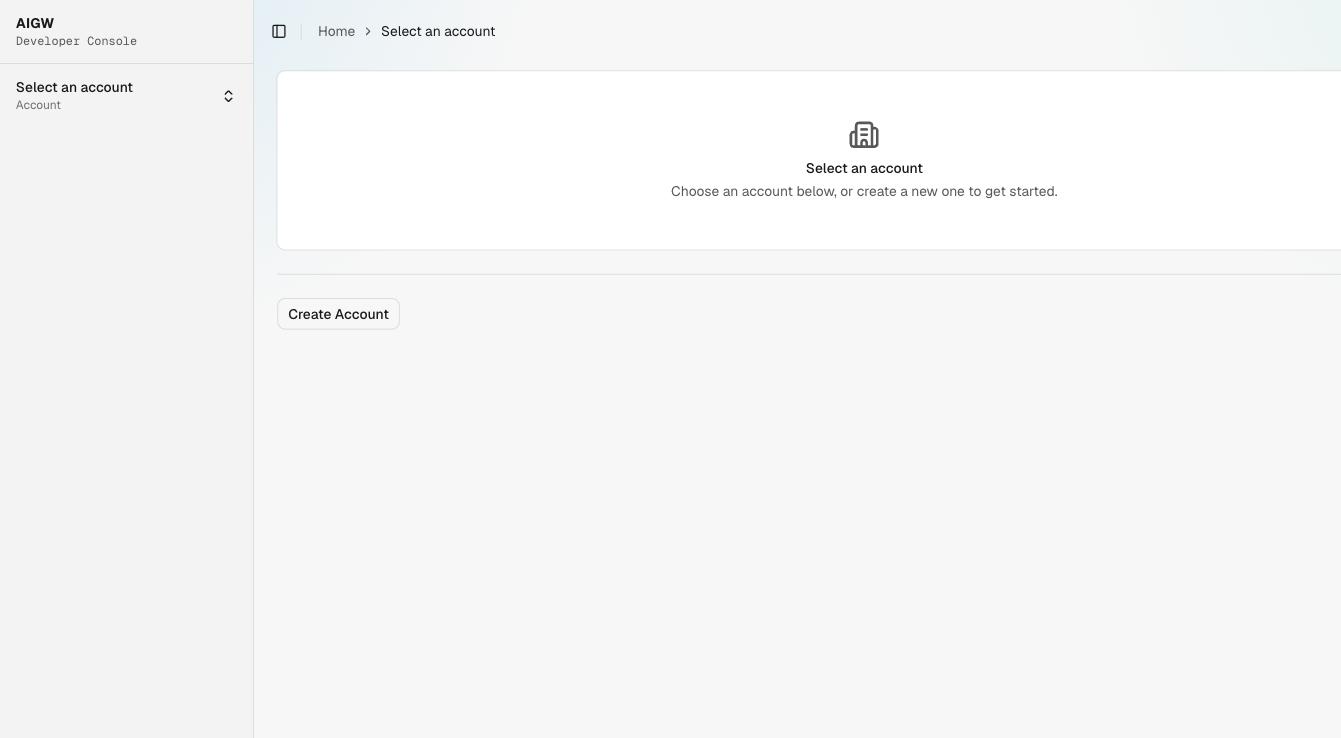
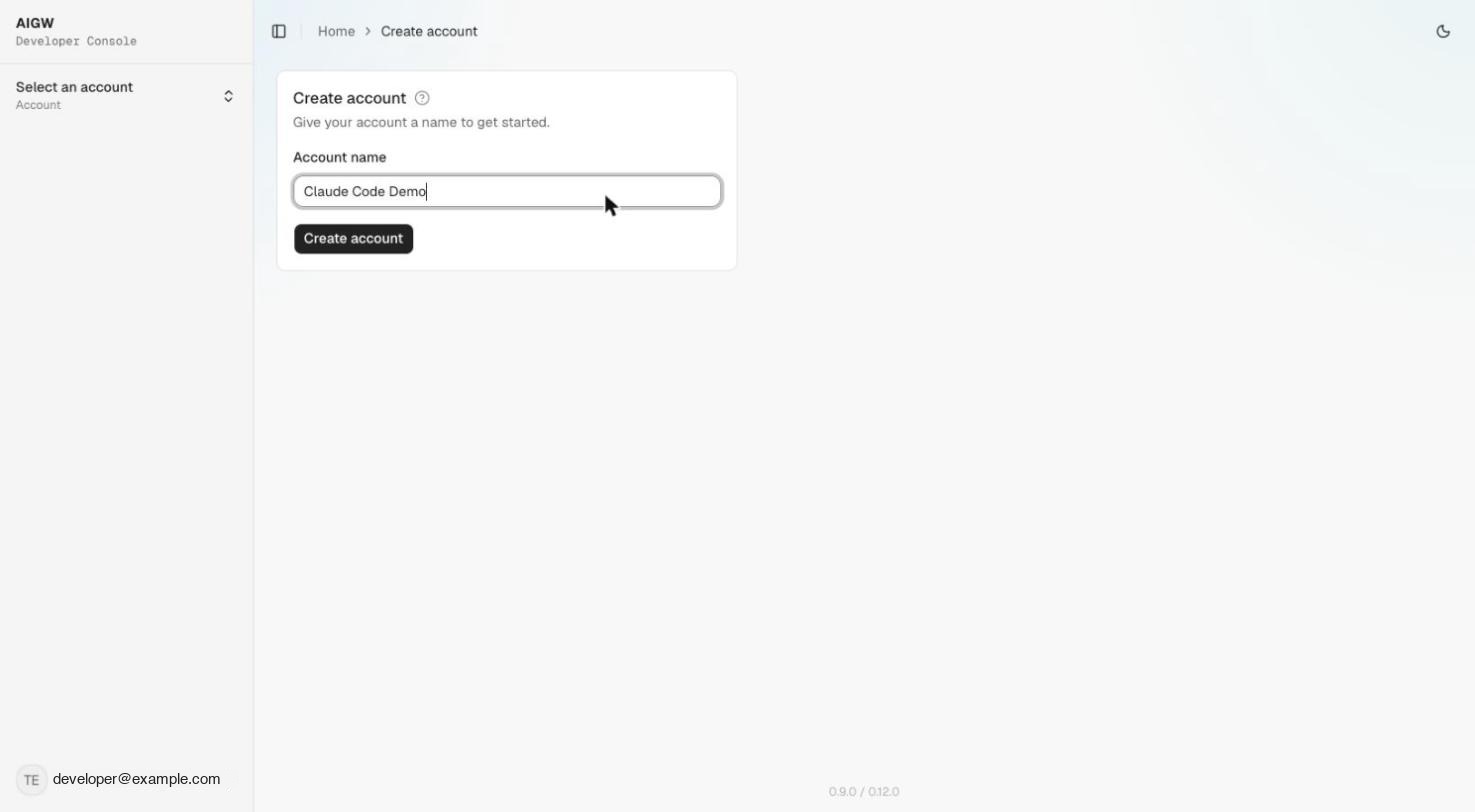
On first sign-in, the console shows the Account selector. Choose Create Account, enter a name, and create it.
Account home
After selecting an Account, the home page summarizes activity for the last 30 days — Agent sessions, Discoveries (completed/failed), Possession checks (passed/failed), and Consent accepted (with rejected count) — followed by Recent activity and shortcuts to the account areas.
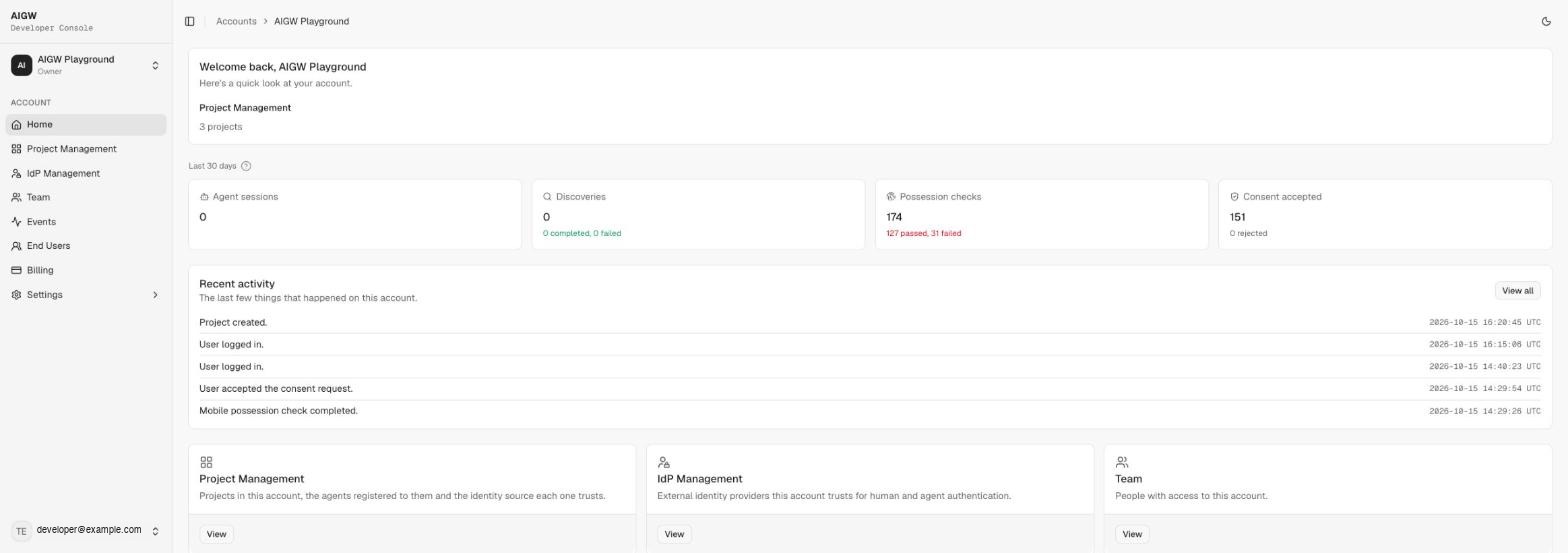
The account sidebar contains:
| Item | What it is for |
|---|---|
| Home | Activity summary and shortcuts |
| Project Management | Create and open Projects |
| IdP Management | Enable built-in identity providers for the Account |
| Team | Invite and manage account members |
| Events | Event log across every Project (time, event type such as aigw.consent.accepted, message, Project, user) |
| End Users | People your agents have acted on behalf of, across every Project |
| Billing | Plan, payment method, and invoices |
| Settings → API Management | Create and manage account API keys |
Account ownership
Choose the account owner based on who operates the integration:
- merchant-operated MCPMCPModel Context Protocol: a standard way for AI agents to call tools and data sources exposed by a server./UCP → merchant normally owns the Account;
- third-party MCP/UCP → provider normally owns the Account and creates merchant ResourcesResourceThe downstream system registered in a Project. Its kind (Token exchange or OAuth client) decides the role AIGW plays. under Projects it operates.
Team roles
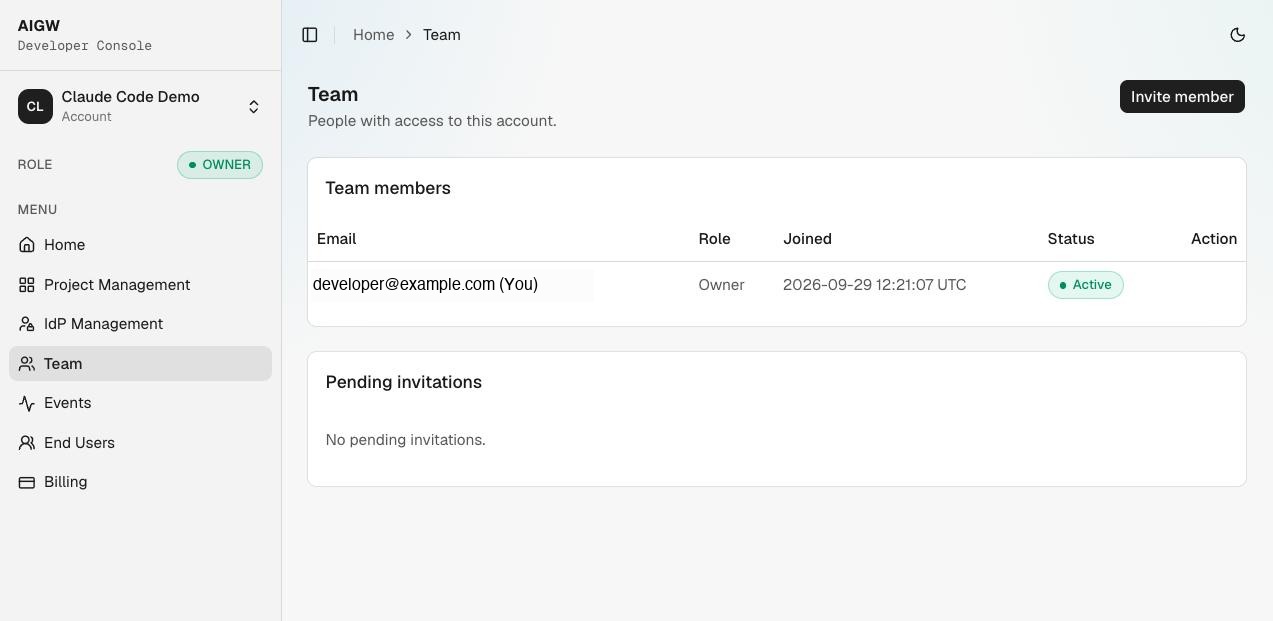
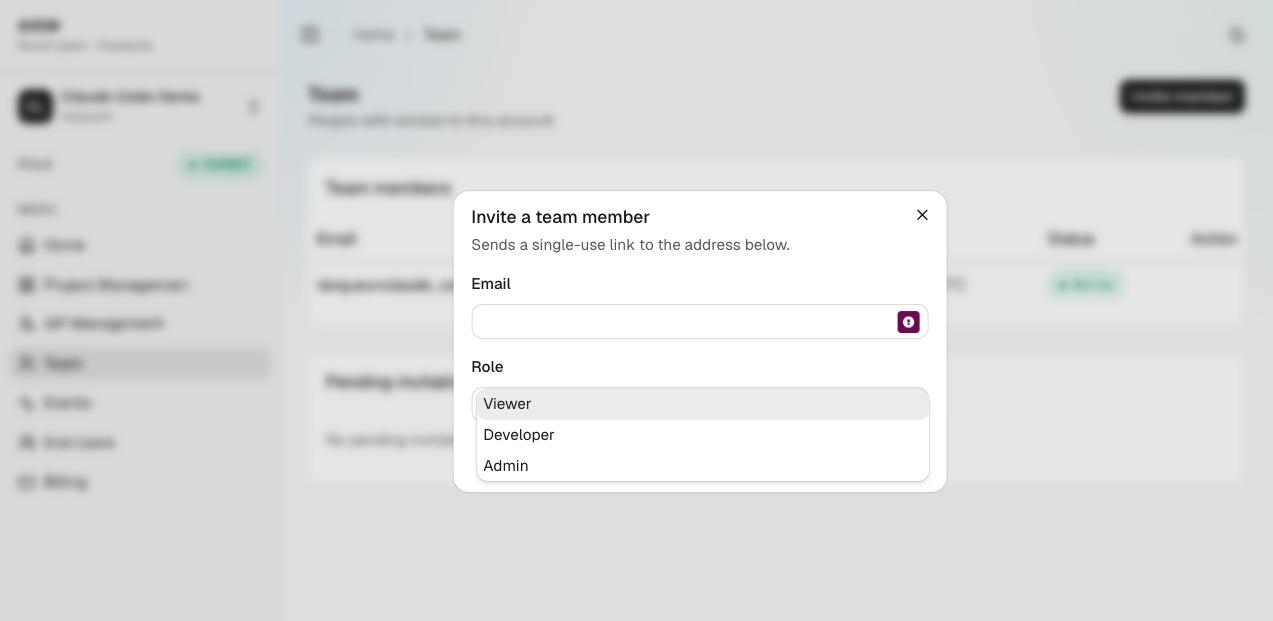
The observed Account roles are Owner, Admin, Developer, and Viewer. The creator is Owner. Invitations are issued from Team → Invite member using a single-use invite link; Owner is not offered as an invite role. Pending invitations are listed separately until accepted or expired.
For existing members, the Owner can Transfer ownership to another member or Remove them.
API Management
Settings → API Management creates API keys that connect your own apps and scripts to the Account. The page tracks Total, Active, Expiring soon, Expired, and Revoked keys and lets you filter keys by name, permission, or status. Treat API keys like any other server-side secret.
Identity providers are enabled at the Account level, then selected per Resource.