Identity providers
Identity providers determine how the end userEnd userA person an agent has acted on behalf of at a Project's Resources, as listed in the AIGW Console. authenticates during the AIGW authorization flow.
Account-level enablement
IdP Management lists six built-in providers and a summary of how many are on for the AccountAccountThe top-level AIGW tenant. It owns Projects, team membership, enabled identity providers, billing, and API keys.. Toggle a provider to enable it; providers enabled at the Account level become selectable on individual ResourcesResourceThe downstream system registered in a Project. Its kind (Token exchange or OAuth client) decides the role AIGW plays..
| Provider | Type shown in Console |
|---|---|
| Apple | OIDC · Sign in with Apple |
| OIDC · Facebook Login | |
| OIDC · consumer + Workspace | |
| LoginID | Passkeys · passwordless |
| Microsoft | OIDC · consumer + work accounts |
| Phone verification | Phone possession and identity verification |
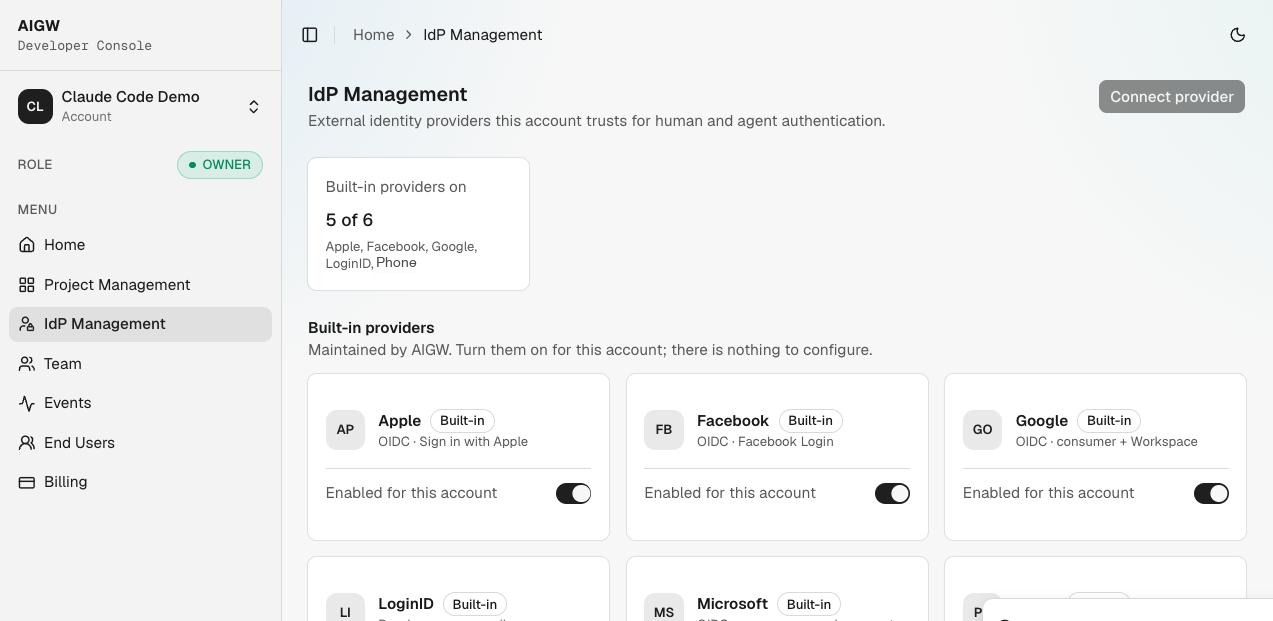
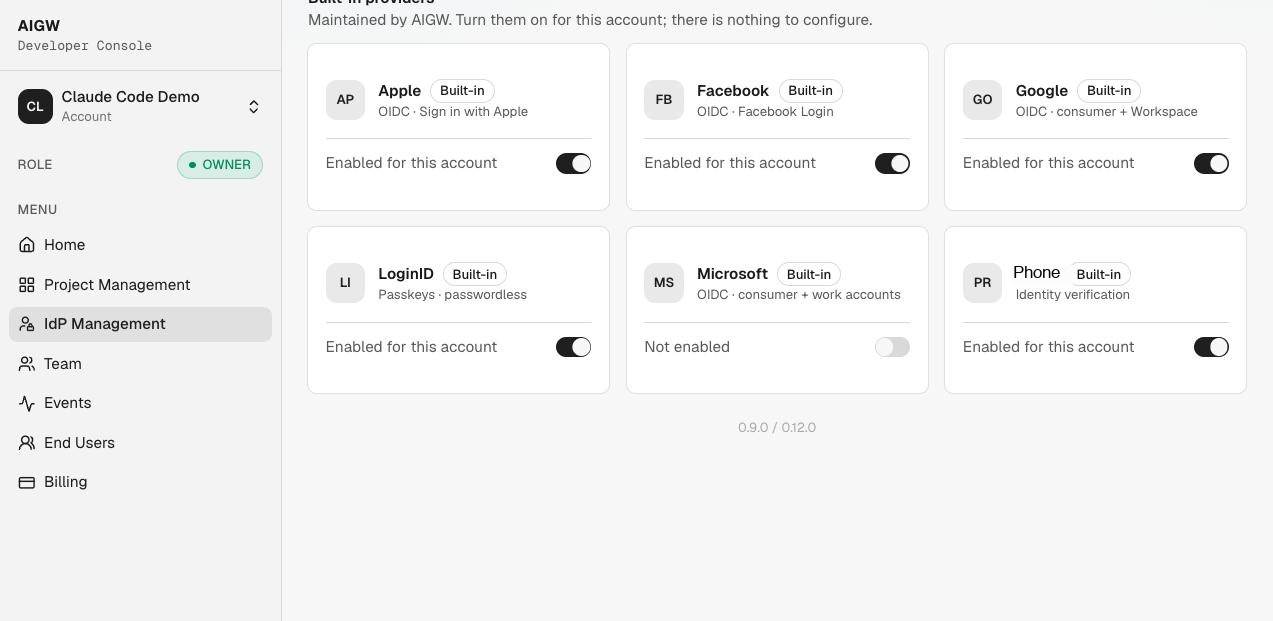
Built-in providers are maintained by AIGW: turn them on for the Account; there is nothing to configure. Connect provider (for a custom provider) is not available yet.
Resource selection
When registering/editing a Resource, choose which enabled providers users may use (only providers enabled for the Account are shown; the selection is optional). The selection affects the browser login experience for that Resource.
For LoginID, the console indicates that the passkeyPasskeyA phishing-resistant FIDO2 credential stored on the user's device, offered through the LoginID identity provider. sign-in page becomes editable under Sign-in & consent.
Sign-in and consent customization
Per Resource, Sign-in & consent has three groups plus a live preview:
| Group | Settings |
|---|---|
| Appearance | Logo URL, color scheme (e.g. light), border radius, accent color, primary action color, secondary action color |
| Behavior | Allow one-time code fallback (sign in with an emailed code if a passkey isn't available), Show scope descriptions on the consent screen, Show verified agent on the consent screen |
| Screen text | Sign-in screen: heading, subheading, action button label, footer text. Consent screen: heading, approve button label, deny button label, footer text |
The Live preview panel switches between the sign-in and consent screens. Click Save changes to apply.
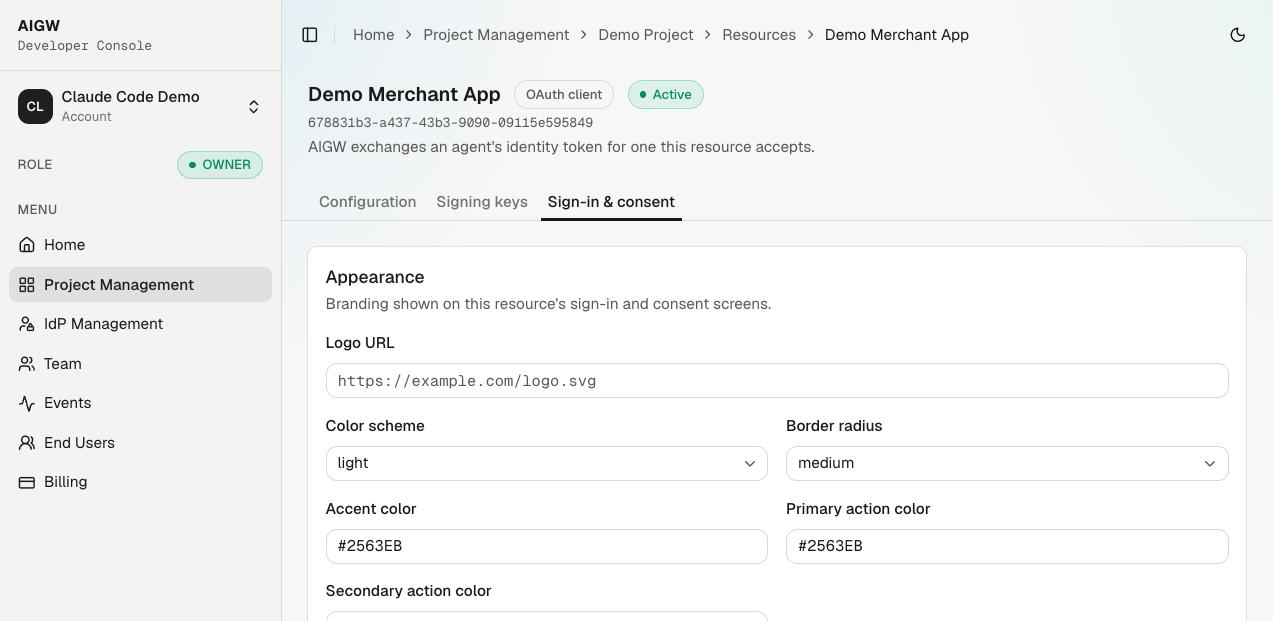
Use the live preview as a design aid, but test the real end-user flow as well; the preview content can differ from actual sign-in behavior.